




Description
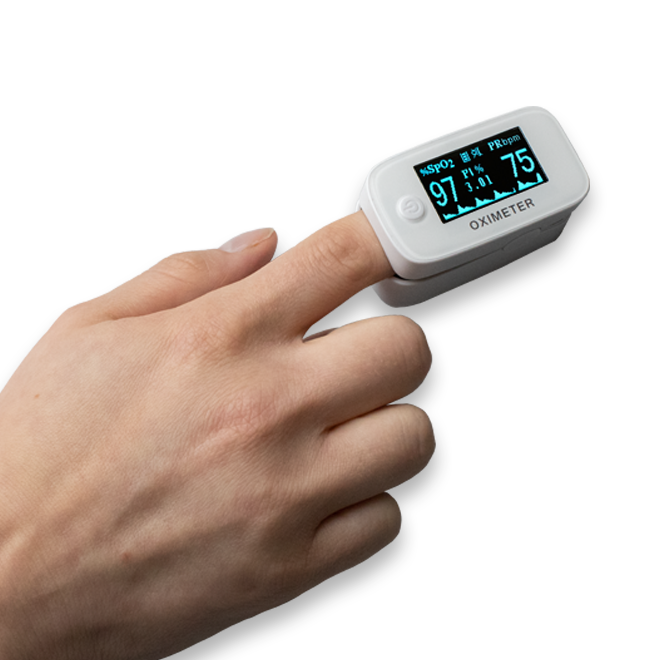
The Scaleson Pulse Oximeter S250 reliably and precisely measures the values for arterial oxygen saturation (SpO2) of haemoglobin as well as heart rate (pulse rate). It is suitable for use both in the private environment (e.g. during sports) and in the medical field (e.g. in care facilities).
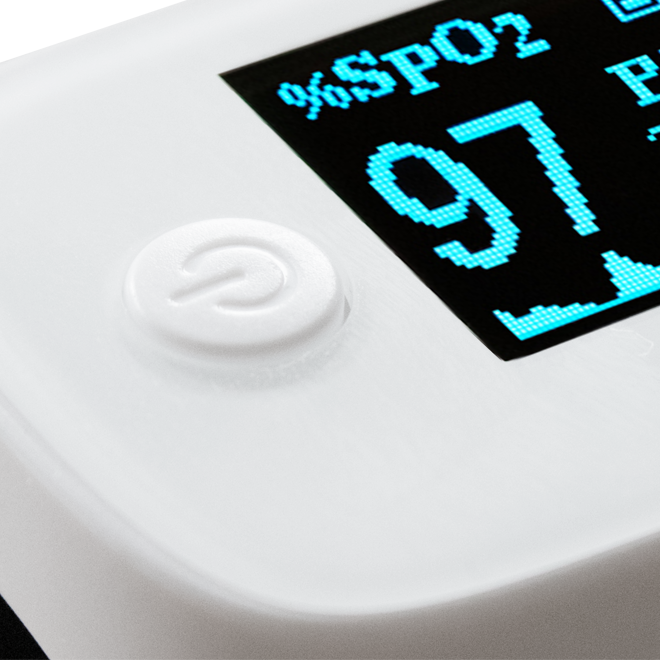
With the practical One-Touch operation, the measurement can be started at the touch of a button. In addition, you can make individual adjustments in the settings menu using this button.
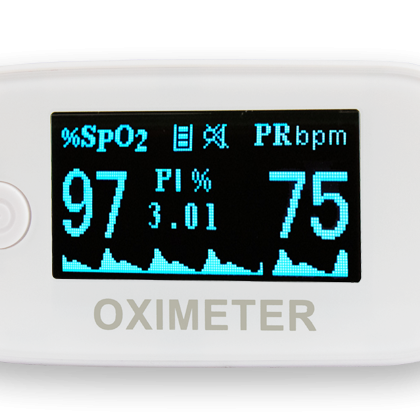
The measured values are very easy to read thanks to the clear OLED display and the large numbers. In addition, the pulse is clearly displayed as a wave and bar chart. You can adjust the screen brightness according to your needs.
The pulse oximeter has a total of four different views for displaying the measurement results. Find the view that suits you best by pressing the on button during the measurement.
Wide range of applications…
 |
 |
 |
|
In the care sector |
In sports | At home |
| For chronically ill people in need of care, regular checking of arterial oxygen saturation (SpO2) and heart rate (pulse) is particularly important. | The pulse oximeter can be used in particular for high-altitude sports such as mountaineering, skiing or in sports aviation. | Even at home, it can be an advantage in many cases to be able to check your pulse rate and oxygen saturation at any time. The Scaleson Pulse Oximeter S250 can be used especially for respiratory diseases or heart problems. |
The special feature of our pulse oximeter S250…
 |
 |
 |
 |
| Easy to read display | Small and handy | One-touch operation | Your data always at a glance |
| The measured values are very easy to read thanks to the clear OLED display and the large numbers.
In addition, the pulse is clearly displayed as a wave and bar chart. You can adjust the screen brightness according to your needs. |
The perfect self-monitoring device for at home or on the road. With a pulse oximeter you have your arterial oxygen saturation (SpO2) and your heart rate (pulse) optimally in view. | With the practical One Touch operation, the measurement can be started at the touch of a button.
In addition, you can use this button to make individual adjustments in the settings menu. |
The pulse oximeter has a total of four different views for displaying the measurement results. Find the view that suits you best by pressing the power button during the measurement. |
Reviews
There are no reviews yet.